
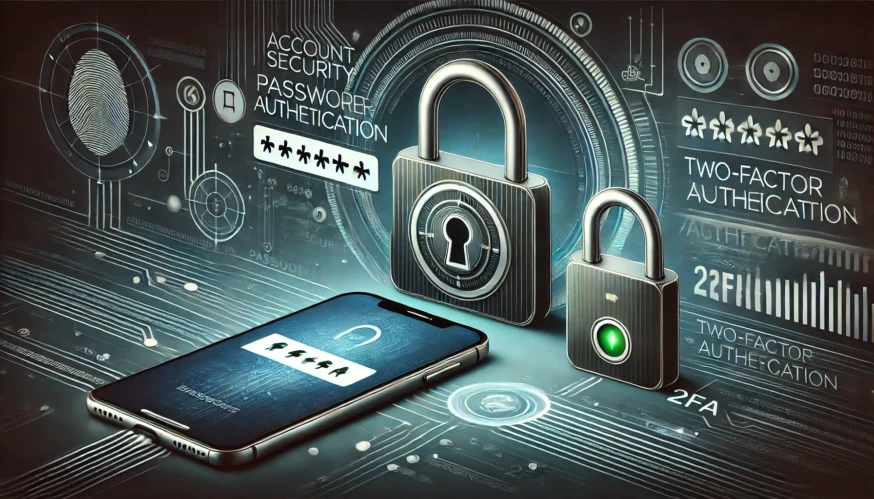
Two-factor authentication (2FA) is an additional layer of security for your account that requires two different types of verification to access your account. This can be something you know (a password) and something you have (a mobile phone or hardware token).
Why is it worth using 2FA?
Using 2FA significantly increases the security level of your account, because even if your password is compromised, it will be difficult for an attacker to gain access without a second confirmation factor.
How to Configure 2FA on Different Platforms
1. Google (Gmail, Google Drive, YouTube)
- Sign in to your Google account.
- Go to Security settings.
- In the Google Sign in section, click Two-factor authentication.
- Click “Set up” and follow the instructions to add a phone number or use a code generation app, such as Google Authenticator.
2. Facebook (2FA)
- Sign in to your Facebook account.
- Go to Security settings.
- Select Two-factor authentication and choose the account you want.
- Choose a verification method and follow the on-screen instructions.
3. X (Twitter)
- Log in to your X (Twitter) account.
- Go to Security settings.
- Select Two-factor authentication.
- Choose a verification method and follow the instructions to complete the setup.
4. Microsoft (Outlook, OneDrive, Xbox) 4.
- Sign in with your Microsoft account.
- Go to Security settings.
- Find Two-factor verification and click Enable.
- Follow the instructions to set up 2FA.
5. Amazon (2FA)
- Sign in to your Amazon account.
- Go to Security settings.
- Find and click Two-factor verification.
- Choose a verification method and follow the instructions.
Recommendations for improving security
- Choose strong verification methods: Use code-generating apps or hardware tokens, not just text messages, to increase security.
- Update your settings regularly: Check and update your security settings to stay protected.
- Keep backup codes: Save backup codes in case you lose access to your primary verification methods.
Conclusion
Setting up two-factor authentication is an important step in keeping your accounts secure. Implementing 2FA can significantly reduce the risk of unauthorized access to your personal data and keep your information safe. Set up 2FA for all of your accounts today and enjoy an increased level of security.