
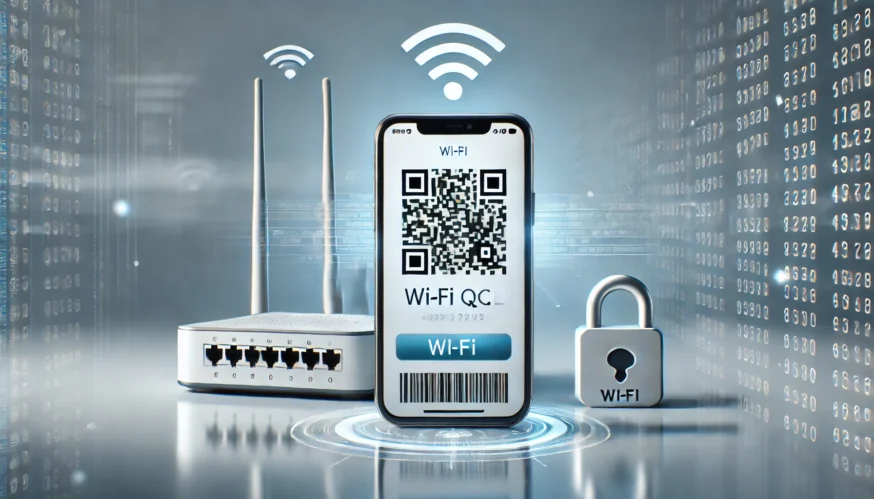
In the modern world, we strive to make our lives easier and more convenient. One of the tools that help us do this is QR codes. They are widely used for quick access to information, and one of their most convenient applications is connecting to Wi-Fi. In this article, we’ll show you how to create a QR code for Wi-Fi and keep your network secure at the same time.
What is a QR Code for Wi-Fi?
A QR code for Wi-Fi is a special code that allows you to quickly connect your device to a wireless network without entering a password manually. All you need to do is scan the code with your smartphone and you will automatically connect to the network.
How to Create a QR Code for Wi-Fi
Creating a QR code to connect to your network over Wi-Fi is a simple process that can be done using online tools. Here is a step-by-step guide:
- Select a service to generate a QR code. You can use one of the popular services, such as QR Code Generator, Free QR Code Generator, or specialized tools on your smartphone.
- Enter your Wi-Fi network information. In the appropriate field, enter your network name (SSID) and password. Some services also allow you to choose the type of encryption (WPA, WPA2, etc.).
- Generate a QR code. After entering all the data, click the Generate button, and the service will generate a QR code ready for use.
- Save and print the code. Save the image with the QR code and print it so guests can quickly connect to your network.
Wi-Fi Security When Using QR Codes
Although QR codes are very convenient, they can also carry certain security risks, especially if attackers gain access to your code. Here are some tips to stay safe:
- Choose a strong password. Always use complex passwords for your Wi-Fi network. The QR code only stores your password, so its complexity is important for security.
- Update passwords. Change passwords for your network regularly. If you distribute QR codes to guests or visitors, change them when access is no longer required.
- Wi-Fi encryption. Make sure your network uses modern encryption protocols such as WPA2 or WPA3. This makes unauthorized access much more difficult.
- Checking the security of QR codes. Always make sure that the QR code you create does not contain any additional or altered data. To do this, you can use QR code verification tools before sharing them with others.
How to scan a QR code
To connect to the dashboard using a QR code on most smartphones, just open the camera and point it at the code. If the camera supports scanning QR codes, you will be prompted to connect to Wi-Fi. If the camera does not support this function, you can use additional applications to scan QR codes.
Conclusion
QR codes are a modern and convenient way to connect to the network. They help you save time and avoid password errors. However, to protect your network, it is important to follow security rules, such as choosing a strong password and updating your data regularly. Thanks to this, the QR code will become a reliable tool for convenient and secure connection to Wi-Fi networks.