
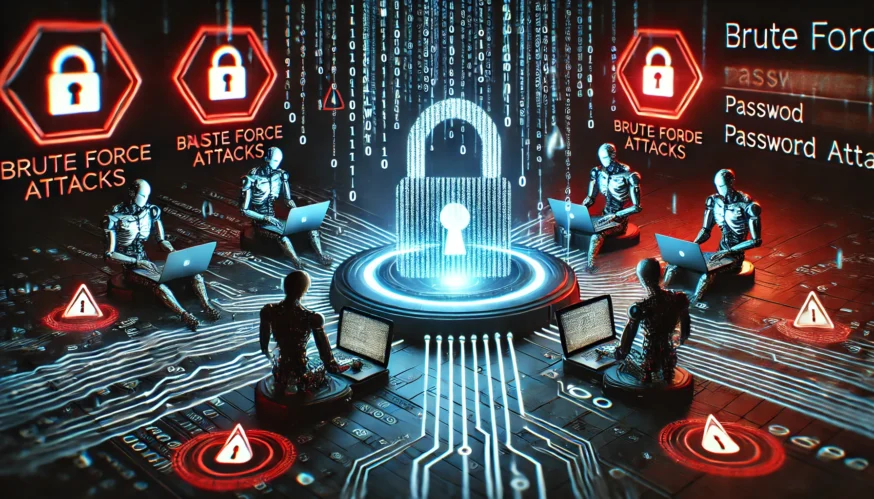
Brute force is an attack method where attackers attempt to gain access to systems or accounts by trying all possible password options. This method is based on brute force, where the attack occurs through constant attempts to enter the correct password using automated tools. Although brute force may seem ineffective due to its reliance on time and resources, it remains one of the most common cyber threats.
How does Brute force work?
Brute force attacks involve automated attempts to log into accounts, services, or systems. Attackers use special software that generates all possible password combinations or uses lists of popular passwords to try to find the right one. This approach is particularly effective against accounts with simple or short passwords.
Types of brute force attacks include:
- Direct brute force is a complete search of all possible password combinations.
- Dictionaryattack – using a list of common passwords (dictionary).
- A hybrid attack is a combination of a dictionary attack with some variations (for example, adding numbers or symbols to dictionary words).
How do Attackers Use it?
Hackers use brute force to access accounts, servers, or networks. For example, an attacker might target a website’s login page in an attempt to guess passwords to administrative accounts. Other options include hacking into password databases, especially if passwords are not hashed or are hashed with outdated algorithms.
Brute Force can also be applied to Wi-Fi networks to crack passwords to access points.
How to Protect Yourself from Brute Force Attacks?
- Complex passwords: Use passwords that are at least 12 characters long and contain a combination of uppercase and lowercase letters, numbers, and special characters. This makes brute-force password recovery much more difficult.
- Two-factor authentication (2FA): Even if an intruder guesses your password, an additional layer of protection in the form of 2FA will make it harder for them to access your account. You’ll be notified of any login attempts and can block the attack.
- Limit the number of login attempts: Setting a limit on the number of login attempts on a website or service can help protect against automated attacks. For example, after 3-5 unsuccessful attempts, an account can be temporarily blocked.
- Captcha: Adding a captcha to login forms can be an additional barrier to brute-force bots.
- Regular software updates: Updating your system and software helps close vulnerabilities that can be exploited for such attacks.
- Monitoring suspicious activity: Security systems should monitor suspicious activity, such as multiple login attempts from different IP addresses or a large number of failed login attempts.
Conclusion
Brute force attacks remain a serious threat to account and system security. However, by using the right security practices, you can significantly reduce the risks of such attacks. Password protection, multi-level authentication, and limiting login attempts are critical measures to ensure your digital security.